Zenome reference

Public booking

The clinic-branded booking page lets clients search within treatment categories, select available services and practitioners, and book only conflict-free times.

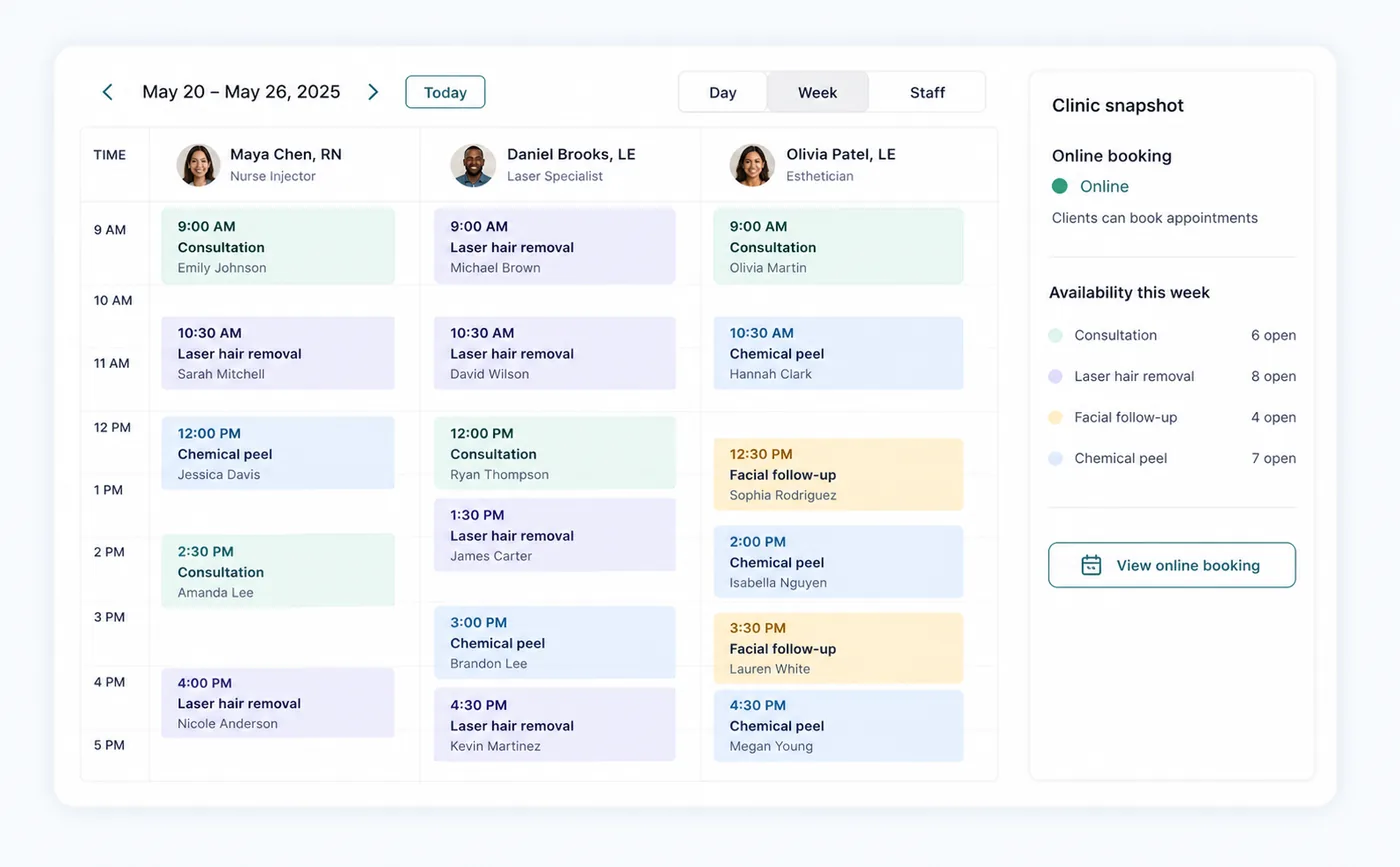
Zenome online booking and appointment availability workspace

A simple booking journey

Search treatmentsChoose a providerBook a free time
A preview of the Zenome workspace. Your screen may vary slightly based on clinic settings and staff access.

Set it up

Before the workflow starts

  • Make the treatment and its discipline visible for online booking.
  • Assign at least one online-visible practitioner with valid availability.
  • Test the clinic subdomain before sharing it with clients.

Use it

The normal workflow

  • Clients select a category and start typing to shortlist treatments in that tab.
  • They choose the service, practitioner, and an available time.
  • For multiple treatments, Zenome offers a compatible combined time or asks the client to choose another time, day, or a single treatment.

Good to know

Helpful reminders

  • Clients only see times that are available for their chosen treatment and practitioner.
  • Anything marked private stays off the public booking page.
  • Your clinic hours, service gaps, and booking preferences are always respected.

Common tasks and fixes

Step-by-step help