
Zenome reference

Communications and reminders

Transactional booking, form, invoice, receipt, refund, and reminder messages stay distinct from consent-aware marketing communication.

Zenome client communication, form, and reminder workspace

The right message at the right time

ConfirmationsSmart remindersMessage history
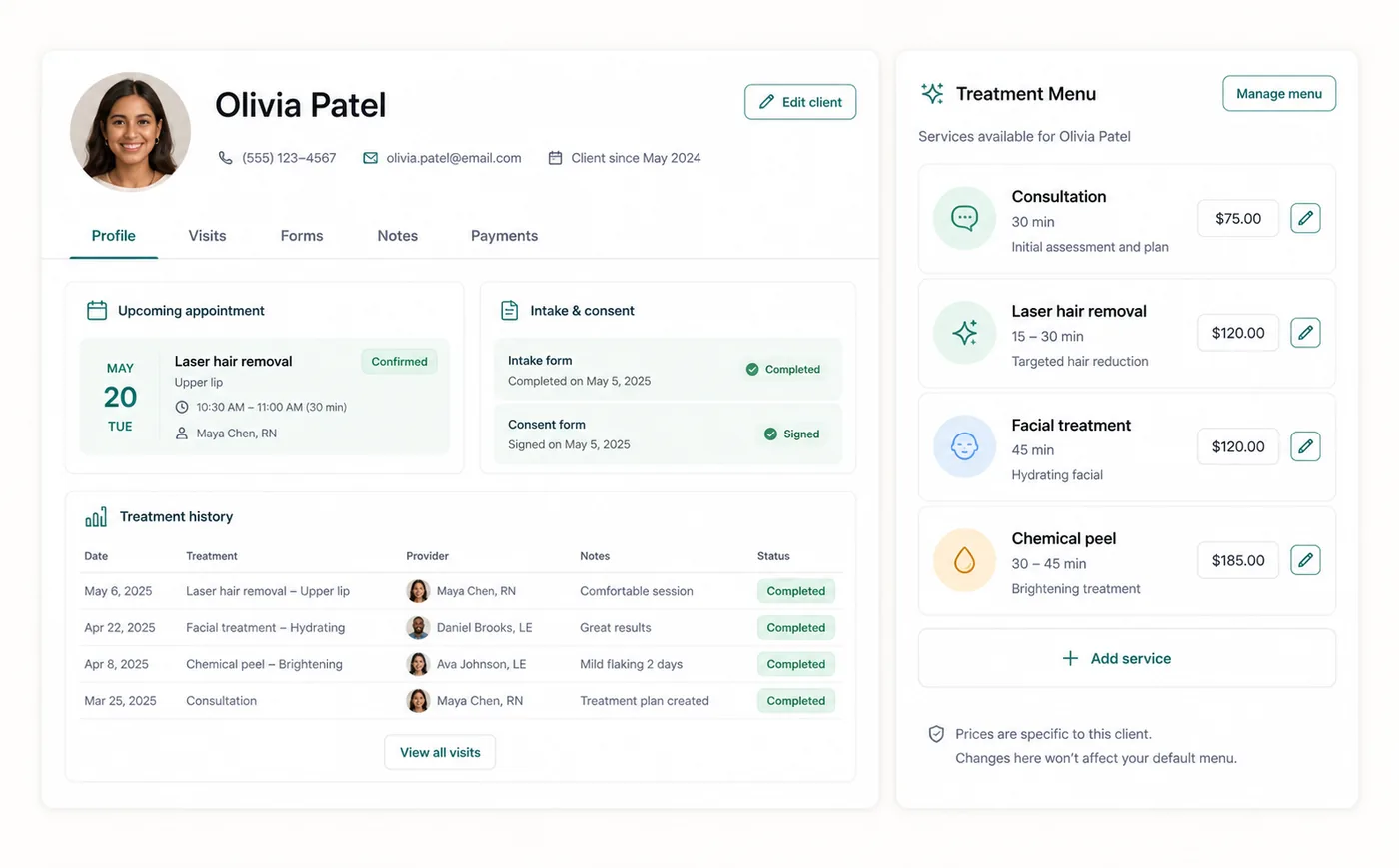
A preview of the Zenome workspace. Your screen may vary slightly based on clinic settings and staff access.

Set it up

Before the workflow starts

  • Review booking confirmation and reminder settings.
  • Configure form assignment rules so a first appointment receives the right consolidated consent request.
  • Keep marketing opt-in separate from required operational messages.

Use it

The normal workflow

  • A booking or billing action generates the relevant client message.
  • Staff review communication history to confirm what was sent and when.
  • Use resend or follow-up only when delivery state and clinic policy support it.

Good to know

Helpful reminders

  • First appointments should receive one appointment confirmation and one consolidated category-specific form email.
  • Transactional messages do not grant marketing consent.
  • Zenome prevents the same invoice or refund message from being sent twice.

Common tasks and fixes

Step-by-step help