Zenome reference

Packages

Packages are prepaid clinic offers with a defined value or included services, a client balance, and redemption history kept separate from recurring memberships.

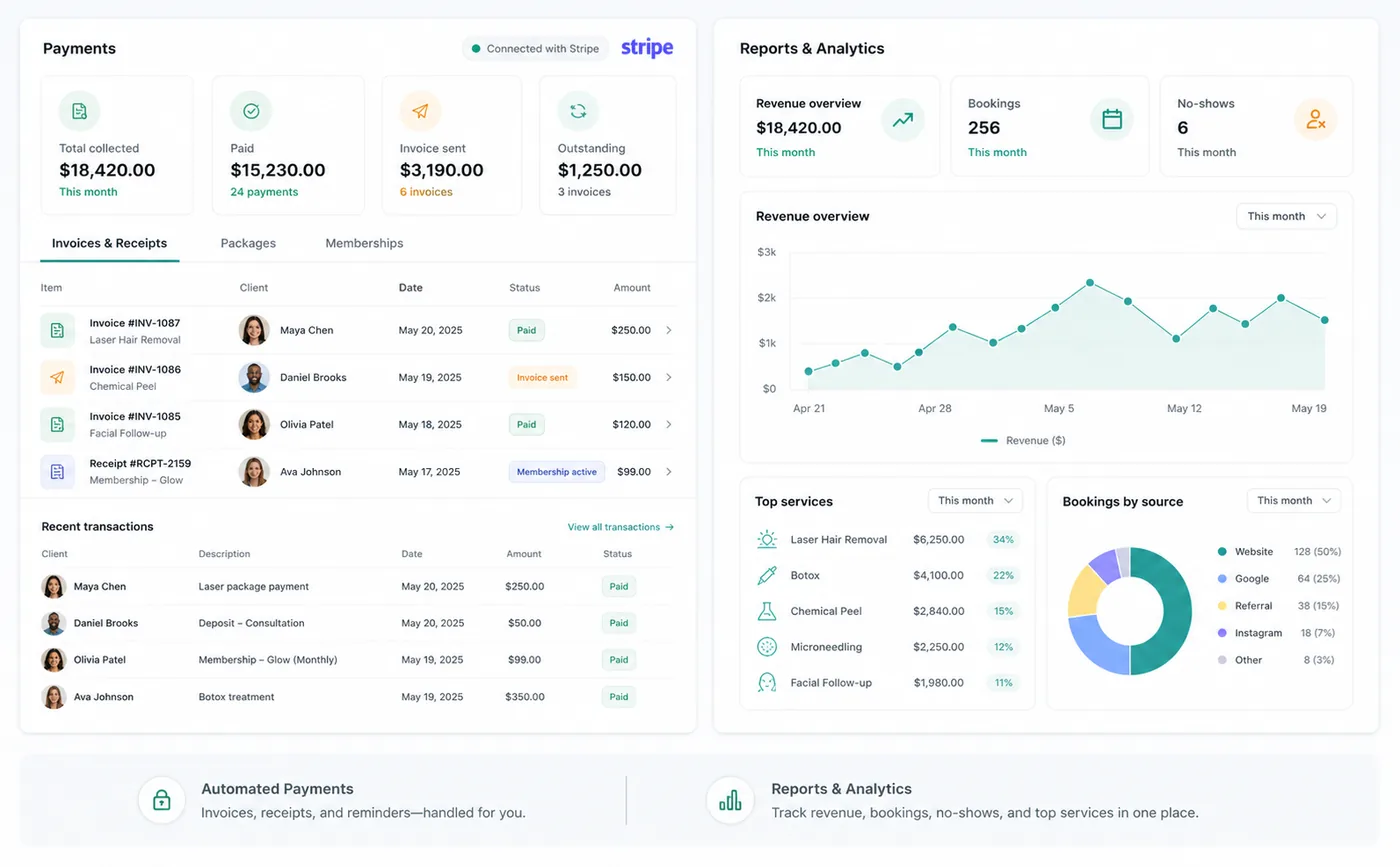
Zenome packages and client billing workspace

Prepaid value, clearly tracked

Package balanceEasy redemptionFull history
A preview of the Zenome workspace. Your screen may vary slightly based on clinic settings and staff access.

Set it up

Before the workflow starts

  • Create an active package definition with its price, validity, and included benefits.
  • Choose whether the offer is staff-only or visible to clients.
  • Confirm tax and payment treatment before selling the package.

Use it

The normal workflow

  • Sell the package from the client billing workflow.
  • Collect payment and activate the client package balance.
  • Redeem eligible value against each appointment and retain the remaining balance and history.

Good to know

Helpful reminders

  • Using a package does not combine separate appointments or treatment notes.
  • Staff can always see the sale, remaining balance, expiry date, and redemption history.
  • A package is paid in advance; it does not renew automatically like a membership.

Common tasks and fixes

Step-by-step help