Zenome reference

Daily operations and scheduling

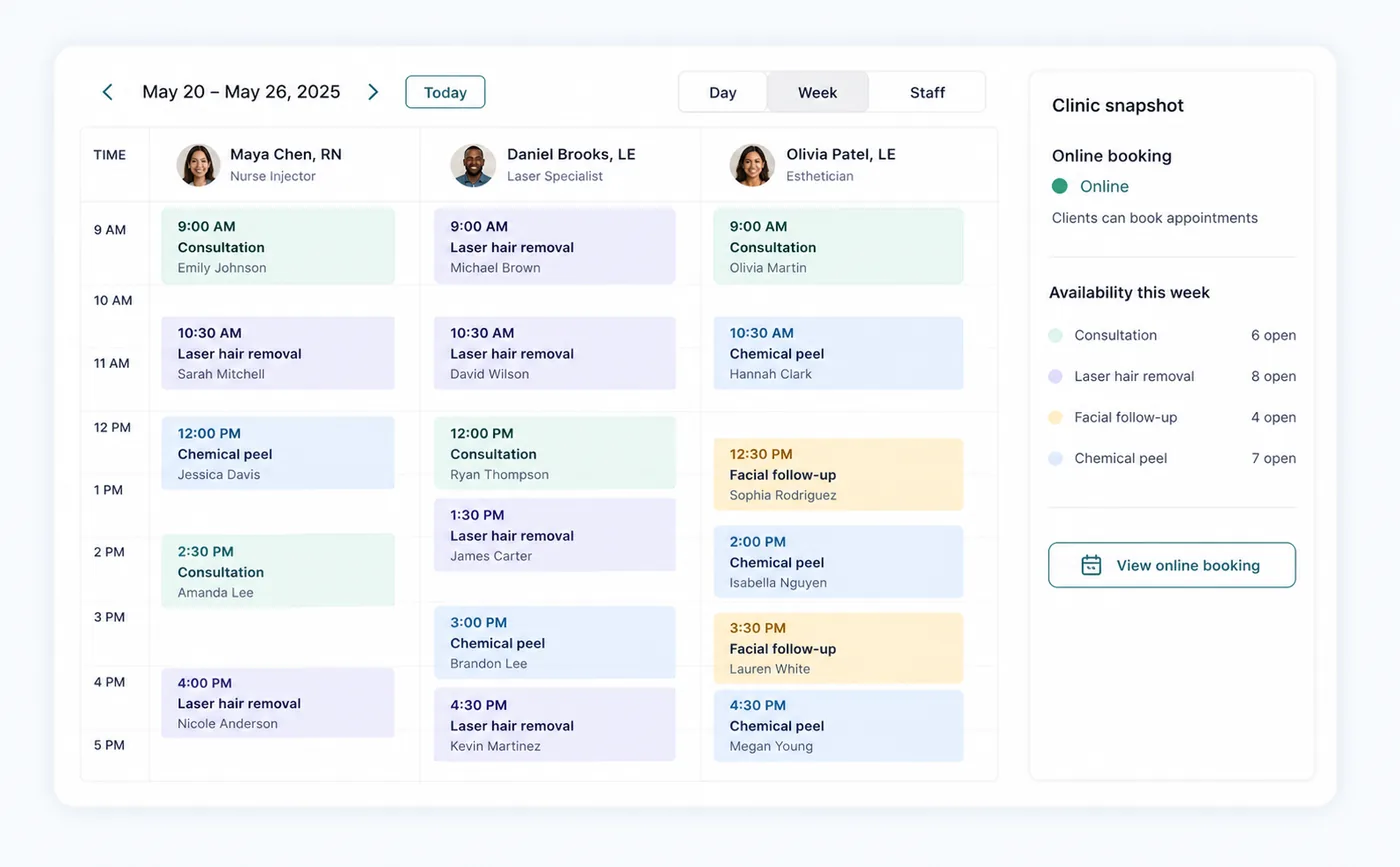
Use Day for the live front-desk queue and Schedule for appointment creation, availability, blocked time, wait-list work, and visit changes.

Zenome scheduling workspace showing clinic appointments and daily controls

Run the day with confidence

Live scheduleClear visit statusFast booking
A preview of the Zenome workspace. Your screen may vary slightly based on clinic settings and staff access.

Set it up

Before the workflow starts

  • Add staff availability and clinic schedule settings.
  • Assign treatments to the staff members who provide them.
  • Review booking rules, buffers, and public visibility before launch.

Use it

The normal workflow

  • Create or select the client, treatment, staff member, date, and time.
  • Staff may add optional treatments in the same booking window; Zenome creates independent appointments.
  • Use Arrived, No show, Complete, reschedule, or cancel from the appointment workflow as appropriate.

Good to know

Helpful reminders

  • Online booking only offers times that are genuinely free, even when staff can double-book.
  • Staff see a clear warning before booking in the past or outside regular clinic hours.
  • Each treatment keeps its own appointment details after a multi-treatment booking.

Common tasks and fixes

Step-by-step help